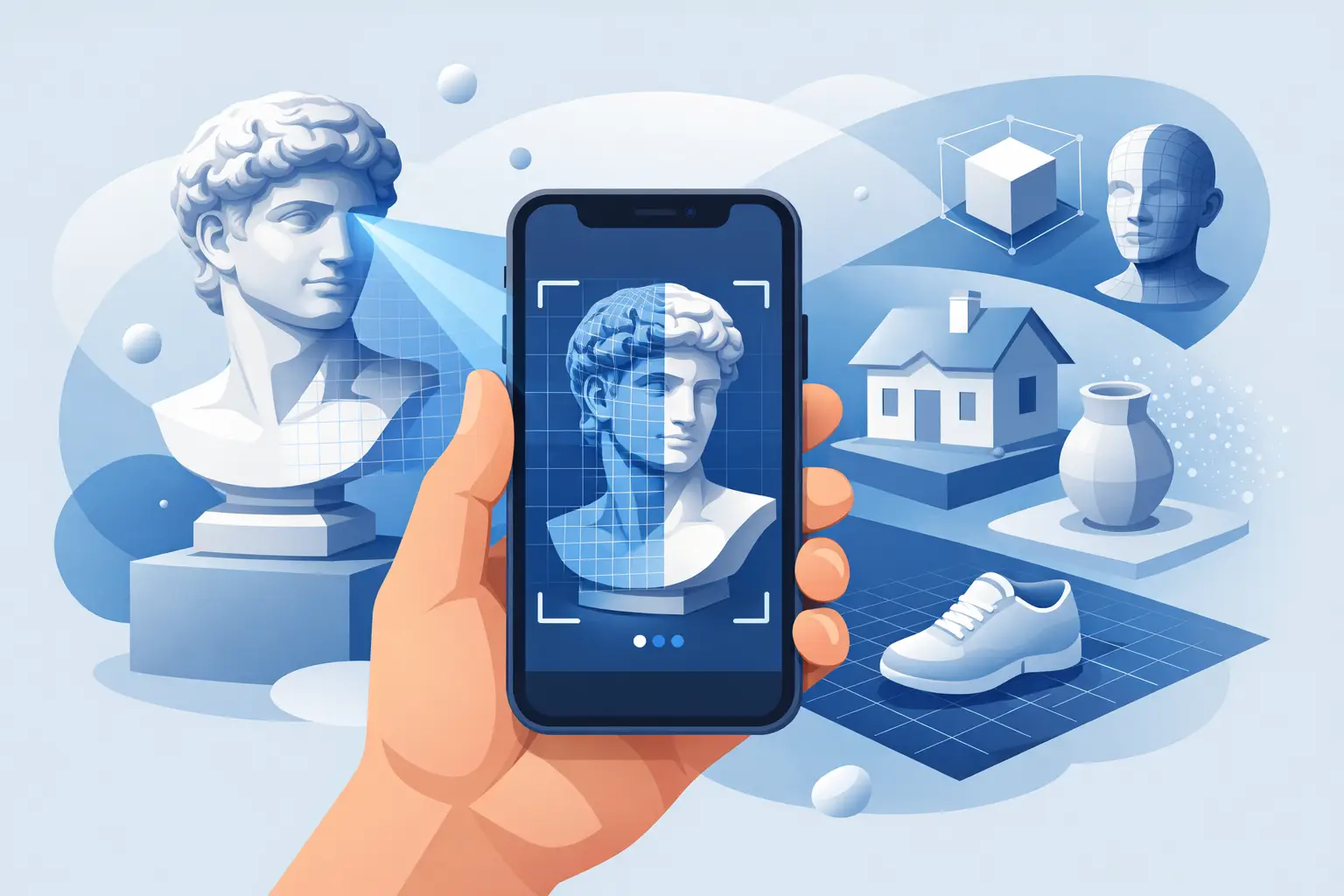
If you are evaluating a 3d scanner app for iphone, the real question is not whether your phone can capture an object. It can. The question is whether the result is usable after the scan - for product pages, AR previews, design workflows, documentation, or clinical and industrial decisions where accuracy and speed both matter.
That distinction separates novelty from infrastructure. The App Store is full of scanning apps that can produce a quick mesh for social sharing or casual experimentation. Far fewer turn an iPhone into a reliable 3D capture tool that fits production workflows. For creators, operators, and enterprise teams, that difference has direct commercial impact.
What a 3D scanner app for iPhone should actually deliver
A strong 3D scanning experience starts before export quality. It starts with capture consistency. If an app loses tracking easily, struggles with reflective surfaces, or forces the user into a long cleanup process, the workflow breaks down fast. A scan that looks decent on-screen but fails in downstream use is not a successful scan.
The best tools do three things well. They make capture fast enough for real-world use, they produce geometry and texture that hold up outside the app, and they give users enough control over outputs to fit different industries. A creator may need a lightweight asset for AR. An e-commerce team may need a product model with clean visual fidelity. A medical or industrial workflow may prioritize dimensional reliability and repeatability.
That is why “best” is always context-driven. The right app for scanning a sneaker for social content is not automatically the right app for digitizing inventory, documenting damage, or creating a product-ready 3D model for online retail.
The trade-offs behind iPhone 3D scanning
Every mobile scanning workflow involves trade-offs. Speed, realism, accuracy, file size, device compatibility, and ease of use do not always peak at the same time. A 3D scanner app for iPhone may generate impressive visual detail but produce files that are too heavy for practical deployment. Another may prioritize lightweight exports but simplify geometry too aggressively.
Lighting conditions matter more than many users expect. Uniform, soft lighting usually improves texture quality and tracking, while glossy, transparent, and low-feature objects remain harder to scan. LiDAR-equipped iPhones can improve depth capture for some use cases, but hardware alone does not solve workflow quality. The software layer still determines how data is reconstructed, refined, and exported.
This is where proprietary processing matters. The market is moving beyond simple capture apps toward spatial AI systems that convert raw sensor input into useful digital assets. That shift matters because users are no longer scanning just to view an object in 3D. They are scanning to sell, simulate, measure, visualize, manufacture, and personalize.
How to judge the best 3d scanner app for iphone
The most useful way to compare options is to look at the output path, not just the capture demo. Ask what happens after the scan. Can the model be exported in formats your team already uses? Does texture quality survive outside the native app? Can the scan support AR presentation, 3D commerce, or design iteration without extensive rework?
Ease of use also deserves a harder look. Consumer-grade simplicity sounds appealing, but oversimplified controls can become a problem when users need consistent results across many objects or repeated jobs. The best apps reduce friction while still giving professionals enough predictability to scale the workflow.
Processing speed is another key variable. Fast scan completion changes behavior. Teams scan more often when the turnaround feels immediate, and more frequent scanning creates operational value. That matters in retail onboarding, field documentation, logistics, clinical imaging, and creative production.
Then there is business readiness. Some apps are built as standalone utilities. Others are clearly part of a broader platform with AI generation, AR deployment, industry-specific tools, or enterprise integrations. If your goal is more than one-off scanning, that difference becomes strategic very quickly.
Where iPhone scanning is already winning
Mobile 3D capture is no longer limited to hobby use. It is already reshaping workflows where speed and accessibility beat the cost and friction of dedicated hardware.
In e-commerce, product teams can create 3D assets faster and expand AR visualization without building every capture process around a studio. That lowers the barrier to immersive shopping experiences while improving product understanding for buyers.
In creative work, artists and designers can gather real-world references, textures, and object forms directly from the environment. The iPhone becomes a field capture tool, not just a camera.
In logistics and industrial settings, mobile scanning supports measurement, documentation, and asset digitization closer to the point of activity. The gain is not just convenience. It is speed of decision-making.
In medical and orthotics-related workflows, smartphone scanning is opening paths to more accessible spatial data capture for visualization, planning, and patient-specific applications. Here, the conversation is less about replacing every specialized device and more about expanding what can be done quickly, affordably, and at scale.
Why the category is shifting from app to platform
The phrase “3d scanner app for iphone” still describes how many users enter the market. But the category is already evolving beyond that label. The winning products are not just capture tools. They are entry points into larger spatial computing workflows.
That matters because a 3D model rarely exists in isolation. It is part of a chain. A product is scanned, cleaned, published, visualized in AR, reused in marketing, and analyzed for performance. A body scan may feed into planning, fitting, or device design. A cargo scan may support measurement, pricing, or operations. Once the workflow expands, the standalone app model starts to look narrow.
This is why platform depth is becoming a differentiator. An app can win downloads. An ecosystem wins repeat usage, vertical adoption, and enterprise value. Companies building this category are not simply competing on capture novelty. They are competing to own the spatial data pipeline.
What advanced users should ask before choosing
If you are a creator or 3D professional, ask how much cleanup the app saves you and whether exports fit your existing toolchain. If you are an e-commerce operator, ask whether the scan quality is strong enough to improve conversion and product confidence. If you are evaluating for an enterprise use case, ask whether the provider has a roadmap beyond the consumer app layer.
This is also where traction matters. Large install numbers and millions of generated models do not replace technical evaluation, but they do signal something important: the product has encountered scale, edge cases, and real usage pressure. That tends to produce better workflows than tools designed mainly for demos.
MagiScan is a strong example of this broader shift. Rather than framing mobile scanning as a one-feature utility, it positions iPhone capture as part of a larger spatial AI ecosystem spanning 3D generation, AR commerce, medical applications, cargo measurement, and orthotics. That is a materially different vision from an app that simply converts photos into a mesh.
The real benchmark is usability after capture
The market does not need more 3D scans. It needs more usable ones. That is the benchmark that matters.
A high-value iPhone scanning app should reduce the distance between physical reality and practical digital output. It should help a merchant publish faster, a creator build faster, a clinician visualize faster, and an operations team measure faster. If the scan stops at “interesting,” the value is limited. If it moves directly into commerce, design, planning, or decision support, the value compounds.
That is why choosing a 3d scanner app for iphone should be treated as a workflow decision, not an app download decision. The right tool does more than capture shape. It makes physical objects operational inside digital systems.
The category is moving fast, but the direction is already clear. iPhone scanning is no longer just a convenient shortcut. For the right users and the right workflows, it is becoming the front door to spatial infrastructure. Choose the tool that meets you there, and the phone in your pocket starts acting a lot more like a production device.