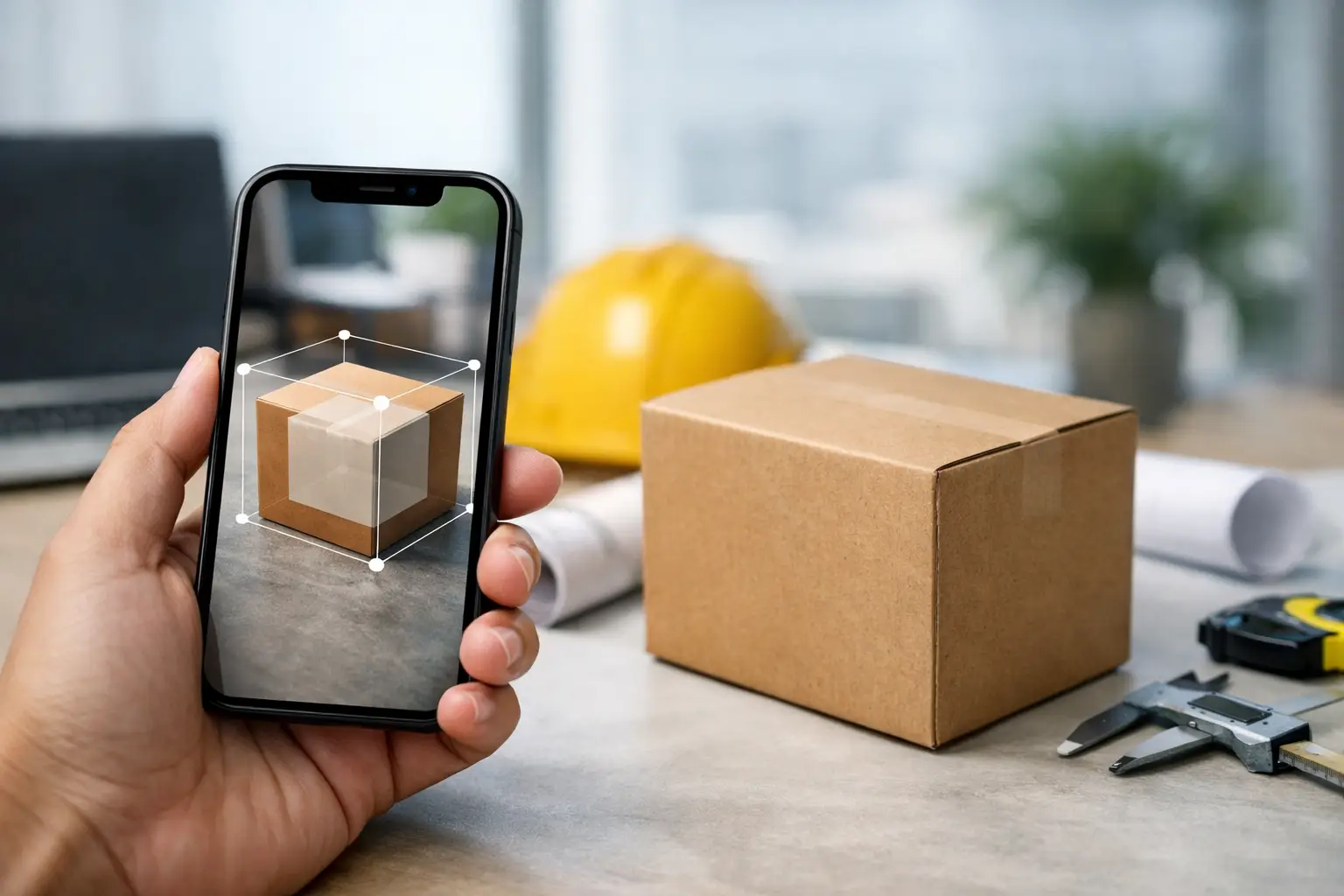
Volume is where simple measurement apps start to break.
Measuring length with a phone is easy enough. Measuring real-world volume accurately enough for freight, commerce, medical planning, inventory, or 3D production is a different class of problem. The best mobile volumetric measurement apps do more than place a virtual ruler on a screen. They capture spatial data, interpret geometry, and turn physical objects into something operational - dimensions, cubic volume, or usable 3D assets.
That distinction matters if you are choosing software for business rather than novelty. A creator may need fast object sizing for a 3D workflow. A logistics team may need carton volume that stands up in operations. A retailer may want product dimensions and digital twins from the same capture session. The right app depends less on marketing claims and more on what kind of spatial data you need at the end.
What separates the best mobile volumetric measurement apps
Most apps in this category fall into three groups. First, there are basic AR measuring tools that estimate dimensions using the phone camera and device sensors. They are convenient, but volume results are often only as good as the user's manual box placement. Second, there are 3D scanning apps that reconstruct object geometry and can support more advanced measurement and model creation. Third, there are vertical tools designed for industries like freight, healthcare, or manufacturing, where volume is tied to a workflow and accuracy threshold.
If you are evaluating seriously, three criteria matter most.
Accuracy comes first, but accuracy is contextual. Measuring a side table for room planning is not the same as measuring cargo for billing or a limb for orthotics. Some apps are fine for estimation. Others are built for production use.
The output format matters just as much. If the app gives you only a rough cubic estimate on screen, that may be enough for a quick check. If your team needs dimensions, 3D models, AR visualization, or downstream system integration, a lightweight measuring utility will hit its ceiling quickly.
Then there is workflow fit. The strongest products are not isolated tools. They sit inside a broader process - listing products, planning shipments, creating digital inventory, modeling anatomy, or generating 3D content. That is where category leaders separate themselves.
1. MagiScan
For users who need more than a volume estimate, MagiScan stands out because it treats mobile capture as infrastructure rather than a one-off utility. The app is designed to turn smartphones into 3D capture tools, which means volumetric measurement can feed directly into digital asset creation, AR, and commercial workflows.
That makes it especially strong for creators, e-commerce operators, and teams building a spatial pipeline. If you are scanning products, collectibles, industrial parts, or real-world objects, volume is only one layer of value. The more strategic advantage is that the same capture can become a production-ready 3D model instead of disappearing after a single measurement task.
The trade-off is simple. If all you want is a quick estimate of a box and nothing else, a dedicated single-purpose app may feel lighter. But if you are building a repeatable workflow around real-world capture, this category is moving toward platforms, not standalone rulers.
2. Freight-focused mobile measurement tools
Apps built for cargo and parcel sizing solve a narrower problem, but they solve it with stronger operational intent. In freight and logistics, volume is tied to pricing, dimensional weight, warehouse throughput, and claims reduction. That changes the product requirement immediately.
These tools typically focus on box-like objects, palletized goods, and shipment measurement. They are less concerned with preserving object geometry and more concerned with producing reliable dimensions quickly in field conditions. For warehouse and shipping teams, that focus is a feature, not a limitation.
The downside is flexibility. A freight-first app may not help much if your use case expands into 3D asset creation, retail visualization, or irregular organic objects. It is excellent when volume is the end product. It is less compelling when volume is just one input to a broader digital workflow.
3. Polycam
Polycam has become one of the better-known names in mobile 3D capture, and for good reason. It offers approachable scanning for spaces and objects, with outputs that are useful to designers, creators, and certain commercial users. In the volumetric measurement conversation, its value comes from its ability to reconstruct shape rather than just overlay measurement lines.
That is helpful when dealing with irregular objects that do not fit neatly into a manual bounding box. It also gives users a path from measurement into visualization and modeling, which basic AR measuring apps usually do not.
Still, it depends on your tolerance for estimation and your intended output. For casual creators and many design workflows, it can be a strong fit. For highly controlled enterprise scenarios, the question is not whether it scans well. The question is whether its outputs align with the precision, repeatability, and workflow controls your business needs.
4. Apple Measure
Apple Measure remains one of the most accessible entry points in this category. It is built into the ecosystem, easy to launch, and good for quick dimensional checks. For users who need a rough estimate of object size or room dimensions, convenience is the entire point.
But it is rarely the answer if you are specifically shopping for the best mobile volumetric measurement apps. Volume measurement in a business context usually requires consistency, better object handling, and outputs you can actually use beyond the moment of capture.
Apple Measure is useful because it sets the baseline. It shows what built-in AR can do. It also makes clear where professional needs begin.
5. Google-based AR measurement apps
On Android, a range of ARCore-powered apps aim to do what Apple Measure does on iPhone. Some are decent for quick estimation. Some are cluttered, ad-heavy, or unreliable across devices. The platform fragmentation matters here more than many users expect.
That is the central trade-off with generic Android measurement apps. You may find a low-friction solution for occasional use, but device compatibility and sensor performance can vary enough to make repeatable volumetric work harder than it should be. If your team is scaling capture across many phones, testing matters more than feature lists.
6. Canvas
Canvas is often discussed in relation to room capture and interior digitization. Its strength is spatial understanding at the environment level rather than isolated product measurement. If you work in remodeling, architecture-adjacent planning, or property documentation, that orientation can be useful.
For volumetric measurement, the fit depends on what you are measuring. If the goal is room-scale space capture, it has clear value. If the goal is object volume, packaging, or product-level 3D workflows, it may not be the most direct route.
7. SiteScape
SiteScape is another app that shows how mobile LiDAR changed the category. It is more closely aligned with construction, documentation, and as-built capture than with lightweight consumer measuring. That gives it credibility in professional environments where context and scale matter.
Its relevance to volumetric work is strongest when volume is part of site analysis or field documentation. If you are measuring stockpiles, spaces, or built conditions, it can be more useful than a generic object scanner. If you need polished consumer-facing 3D assets or retail-ready capture, its strengths may sit in the wrong place.
8. Qlone
Qlone takes a simpler route into object scanning and has appeal for hobbyists, educators, and lightweight 3D use cases. It can be a practical starting point for users who want to experiment with object digitization without stepping into more advanced enterprise tooling.
But that simplicity comes with boundaries. It is not the app you choose when volume data needs to support commerce, industrial decisions, or regulated workflows. It is the app you choose when accessibility matters more than production depth.
9. 3D Scanner App
3D Scanner App is often used by people who want direct mobile scanning with relatively straightforward export options. Like several tools in this space, it sits between casual AR measuring and full enterprise spatial systems. That middle position makes it attractive for prosumers.
For volumetric measurement, it can be useful when the object itself matters more than a quick dimensions overlay. Yet as with every middle-market tool, the real evaluation comes down to repeatability, device support, and whether the scan output actually serves your next step.
How to choose the best mobile volumetric measurement apps for your use case
If you are measuring boxes, pallets, and freight, choose a freight-specific tool. If you are measuring products and also need 3D assets, choose a scanning platform. If you are measuring rooms or sites, pick software designed for spaces, not objects.
This sounds obvious, but many buyers still compare all measurement apps as if they solve the same problem. They do not. Volume can mean cubic shipment size, anatomical form, room capacity, stockpile estimation, or object geometry for AR commerce. The app category you need is defined by what happens after measurement.
It also helps to ask one harder question early: is the phone replacing a tape measure, or is it becoming a spatial data capture device? Those are different investments. A tape-measure replacement is judged on convenience. A spatial capture system is judged on how much operational value it creates after the scan.
That is where this market is heading. The strongest products are not just measuring volume. They are converting reality into digital inputs that businesses can price, visualize, model, ship, fit, or sell.
The best choice is the one that turns measurement into action. If your app stops at a number on screen, it may save time. If it feeds the next system in your business, it changes the economics of the workflow.