A single product photo used to be enough for a listing. Not anymore. Buyers want to rotate, inspect, place, compare, and preview. Designers want editable assets, not flat references. Industrial teams want measurable geometry, not guesswork. If you want to create 3d model from photos, the real question is no longer whether it can be done. It is how fast, how accurately, and how reliably you can turn images into assets that actually work downstream.
That shift matters because 3D capture has moved from specialist hardware into mainstream production. The camera in your pocket is now part of a broader spatial workflow. For creators, that means speed. For businesses, it means lower capture costs and faster catalog expansion. For teams working in AR, retail, healthcare, and industrial environments, it means reality can be converted into usable digital infrastructure.
What it really means to create 3D model from photos
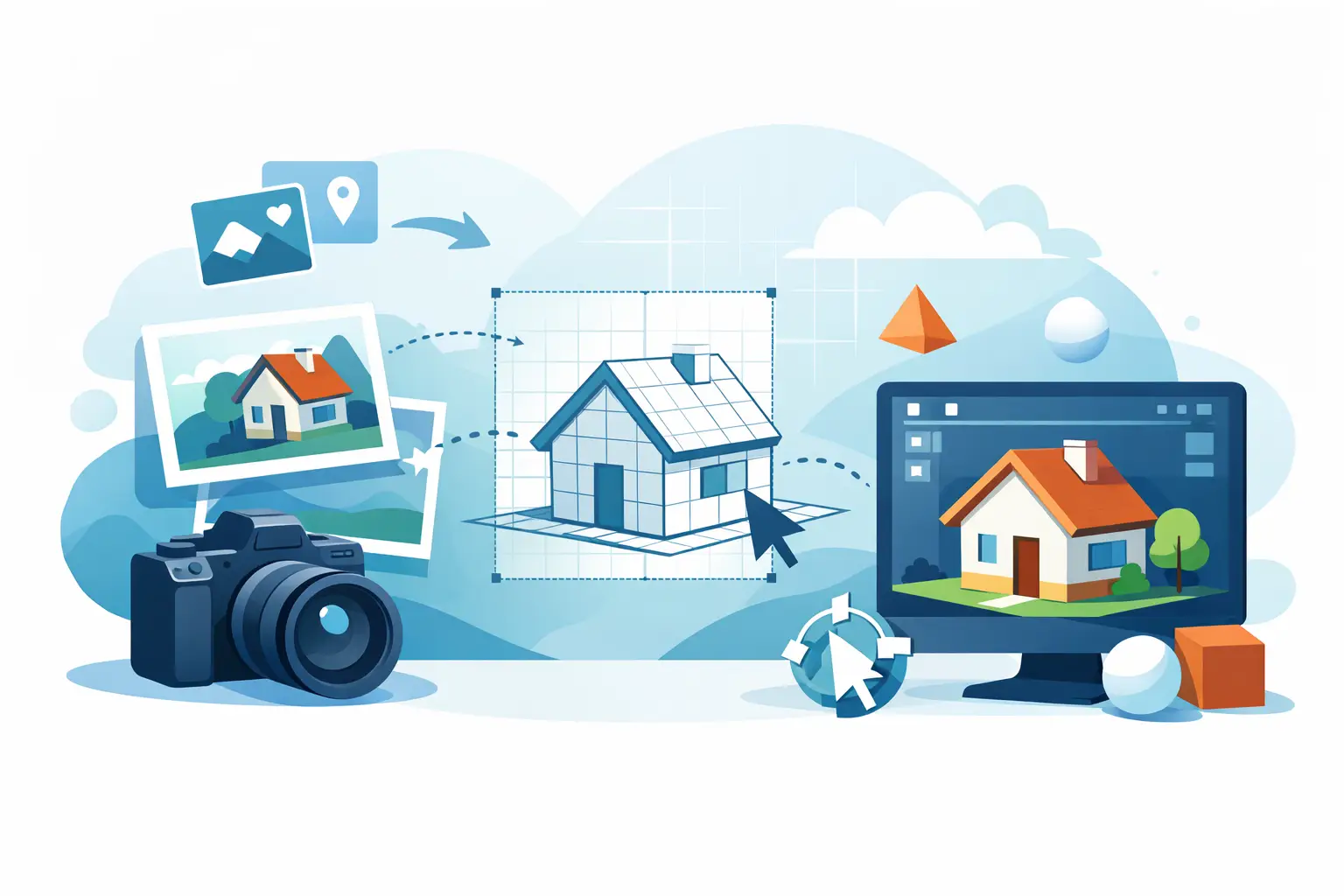
At its core, creating a 3D model from photos is a reconstruction process. You capture an object from multiple angles, software identifies matching visual points across those images, and then it calculates the object’s shape in three dimensions. From there, the system builds geometry, applies textures, and outputs a model you can edit, publish, or deploy.
This process is often called photogrammetry, but the market has evolved past traditional photogrammetry alone. Modern mobile capture tools use AI to improve reconstruction, reduce noise, fill gaps, and streamline cleanup. That is the difference between a technical experiment and a production-ready workflow.
The practical result is straightforward. Instead of modeling an object by hand in 3D software, you capture reality first and generate the model from that source data. That can be faster, more scalable, and more faithful to real-world form, especially when texture detail matters.
When photo-based 3D modeling works best
Photo-based 3D capture performs best when the object has visible surface detail, stable lighting, and enough angles to reconstruct shape clearly. Consumer products, furniture, sculptures, packaging, shoes, tools, and many organic objects are strong candidates. If your goal is a quick asset for AR commerce, concept design, or digital archiving, this approach can compress hours of manual work into minutes of capture.
It is also a strong fit when accessibility matters. Dedicated scanners still have a place, especially for high-precision industrial applications, but they create friction in cost, training, and deployment. A smartphone-based workflow changes the economics. Capture can happen on the shop floor, in a studio, at a clinic, or in the field.
That said, not every object behaves nicely. Transparent, reflective, glossy, or very dark surfaces remain difficult because the software needs consistent visual features to track. Thin structures and repeating patterns can also confuse reconstruction. In those cases, success depends less on software promises and more on how the capture is staged.
The capture stage determines the result
Most bad 3D models are not caused by weak processing. They are caused by weak input. If the photos are inconsistent, blurry, overexposed, or missing key angles, the model will inherit those problems.
Start with controlled lighting. Bright, diffuse light is usually better than harsh direct light because it reduces deep shadows and blown highlights. Keep the object still and make sure the background does not overwhelm the subject. A plain background can help, but some workflows benefit from enough surrounding visual detail to support camera tracking. It depends on the object and the software.
Coverage matters more than volume. Taking 200 random photos will not beat 40 deliberate ones. Move around the object in smooth increments, maintaining overlap between images. Capture the full perimeter, then vary your height to cover upper and lower surfaces. If the underside matters, plan for a second pass after repositioning the object.
Sharpness is non-negotiable. Motion blur, focus hunting, and inconsistent framing create avoidable errors. Treat the photo set as source data, not casual reference material. You are not documenting the object. You are feeding a reconstruction engine.
Why smartphones changed the workflow
The old assumption was simple: serious 3D capture required serious hardware. That is no longer true in many workflows. Smartphone cameras, mobile processors, and AI reconstruction have matured enough to make photo-based modeling practical at scale.
That changes who can produce 3D assets. A solo seller can scan inventory without building a full studio pipeline. A designer can capture real-world references and turn them into editable geometry quickly. A medical or orthotics workflow can begin with mobile capture rather than specialized imaging in every scenario. A logistics team can move from manual estimation toward spatial measurement workflows. The value is not just convenience. It is throughput.
This is where platform thinking matters. The strongest solutions do not stop at model generation. They connect capture to optimization, visualization, export, and vertical use cases. That is the real market shift. 3D capture is becoming infrastructure, not a niche creative task.
Accuracy depends on your use case
A common mistake is treating all 3D models as if they need the same level of precision. They do not. If you are creating an AR preview for e-commerce, visual fidelity and file efficiency may matter more than sub-millimeter measurement. If you are supporting medical planning, orthotics, or industrial inspection, the tolerance requirements are different.
So ask the commercial question first. What will this model actually do? Will it be viewed, measured, edited, manufactured from, or used in a workflow where fit is critical? Once you know that, you can judge whether photo-based capture alone is enough or whether you need LiDAR, depth sensing, guided capture, or a more specialized pipeline.
This is also where expectations need discipline. A model that looks excellent on screen is not automatically suitable for fabrication or clinical use. On the other hand, demanding scanner-grade precision for a product viewer can slow down operations for no reason. Good teams match capture quality to business outcome.
What a production-ready workflow looks like
If your goal is to create 3d model from photos repeatedly, not just once, the workflow matters as much as the result. Production-ready means capture is easy to repeat, outputs are consistent, and assets can move into the next system without heavy manual repair.
That usually includes guided image capture, automated reconstruction, mesh cleanup, texture generation, and export into formats your team already uses. In commerce, that might lead into AR visualization or product pages. In creative pipelines, it might feed Blender, Unity, Unreal, or CAD-adjacent cleanup workflows. In healthcare or industrial environments, it may connect to specialized review, measurement, or planning systems.
This is why category leaders are building ecosystems instead of isolated tools. The model itself is valuable, but the larger advantage is what happens after capture. Once reality becomes structured digital data, it can be reused across channels, departments, and products.
Where teams usually lose time
The biggest bottleneck is rarely the scan. It is cleanup. Holes in geometry, noisy meshes, oversized textures, and poor scale control can turn a fast capture into a slow post-processing job.
That is where AI-assisted workflows create leverage. Better alignment, smarter surface reconstruction, and automated optimization reduce the amount of manual intervention required. For high-volume teams, those minutes matter. Across hundreds or thousands of assets, small workflow improvements compound into real margin.
A second bottleneck is inconsistency. If different users capture objects in different ways, your outputs will vary wildly. Standardizing the process matters. Define the lighting setup, angle coverage, object placement, and file requirements. The more repeatable the input, the more dependable the output.
Choosing the right tool to create 3D model from photos
The right tool depends on whether you prioritize accessibility, visual quality, accuracy, or integration. Some tools are designed for hobbyist experiments. Others are built for mobile-first capture with commercial output in mind. The difference shows up in processing quality, speed, export options, and how well the tool fits a real workflow.
If your team needs to capture objects with a phone and move quickly into usable 3D assets, a mobile platform built for production is the stronger choice. MagiScan, for example, sits in that category by treating smartphone capture as the front end of a larger spatial AI stack rather than a standalone novelty. That framing matters because the market is moving toward workflows, not single features.
Still, no tool overrides capture reality. Better software can rescue some mistakes, but not all of them. If the object is reflective, the angles are missing, or the images are soft, reconstruction quality will hit a ceiling.
The strategic value is bigger than the model
A 3D model from photos is not just a file. It is a reusable digital representation of a physical object. Once created, it can support AR commerce, design iteration, remote collaboration, documentation, simulation, training, and measurement-driven workflows.
That is why this capability is expanding far beyond creative use cases. Retail sees higher engagement with interactive products. Industrial teams see faster documentation. Medical and orthotics workflows see new forms of spatial intake. The common thread is simple: capturing reality once creates value many times.
The next competitive edge is not whether a business can generate one good model. It is whether it can turn real-world capture into an operating capability. The teams that win will be the ones that make 3D creation fast enough for everyday use and reliable enough for commercial decisions.
If you want better results, start thinking less about photos and more about pipeline. The camera is only the first step. The real advantage comes when the model is ready for what comes next.