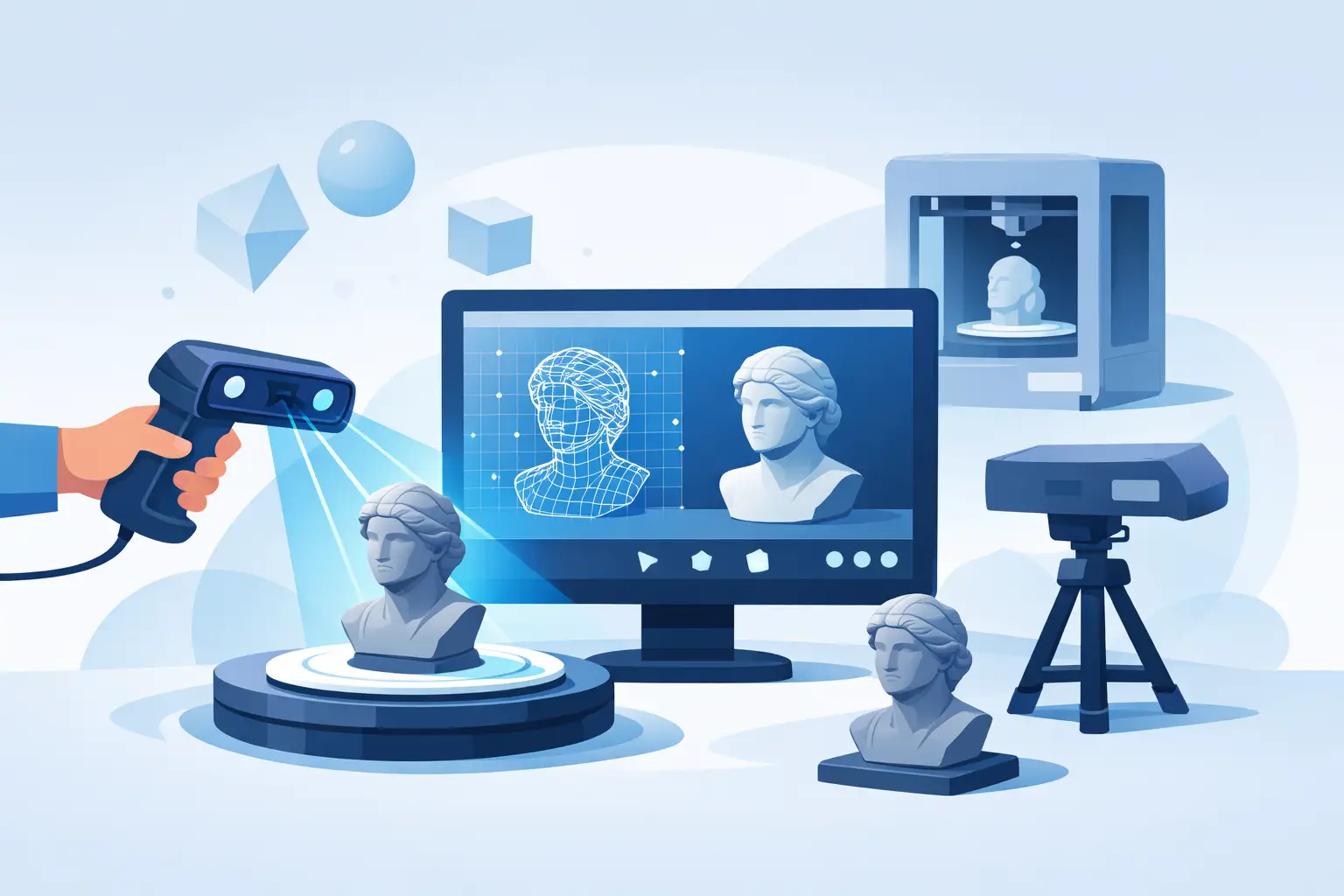
If your first 3D scan looked like a melted statue, you did not fail. The capture workflow failed you. Learning how to scan objects into 3d is less about pressing a button and more about controlling light, surface behavior, distance, and motion so software can rebuild reality with usable geometry.
That matters because a scan is not just a visual effect. In commerce, it becomes a product asset. In design, it becomes a mesh for editing. In medicine and industrial work, it becomes spatial data that people make decisions on. The difference between a quick demo and a production-ready model usually comes down to how you capture, not which export format you choose at the end.
What makes a 3D scan succeed
Every object scan depends on the same basic principle: software tracks features across many images or sensor readings and reconstructs shape from that information. If the object has clear detail, consistent lighting, and enough visual coverage, the model comes together fast. If it is glossy, transparent, black, repetitive, or moving, reconstruction gets harder.
This is why beginners often blame the app or device when the real issue is scene quality. A ceramic mug on a cluttered table in bright window glare is harder to reconstruct than a matte sneaker under even indoor light. Good scanning is not magic. It is controlled capture.
How to scan objects into 3D with the right setup
The fastest way to improve results is to prepare the object before you scan it. Start with lighting. Soft, even light is ideal because it preserves surface detail without creating harsh reflections. Direct sunlight usually works against you, especially on glossy or dark materials.
Background also matters more than most people expect. If the object blends into the surface beneath it, tracking can drift. Give the software enough visual separation to understand where the object begins and ends. A plain but contrasting surface often works better than a busy background.
Distance is another common problem. Stay close enough to capture detail, but not so close that parts of the object leave the frame. Most failed scans come from inconsistent movement - getting too close, swinging too fast, or changing height abruptly. Think of the camera path as a smooth orbit, not a series of corrections.
If the object is small, place it where you can circle it comfortably. If it is large, break the scan into deliberate passes and make sure each pass overlaps with the last. Reconstruction software needs continuity. If you leave gaps in coverage, you usually get holes in the mesh.
The best objects for beginners
If you are just starting, scan something matte, textured, and stable. Shoes, tools, statues, packaged goods, and furniture with visible edges tend to work well. They give the system enough features to lock onto.
Objects that often create problems include mirrors, clear glass, shiny metal, thin wires, and anything with soft or repeating geometry. A transparent bottle, for example, does not provide reliable visual information because the camera sees through it, reflects the room, and changes appearance from angle to angle.
That does not mean these objects are impossible. It means your workflow needs to match the material. Sometimes that involves scanning the surrounding shape rather than the surface detail. Sometimes it means accepting that one capture method is better suited for measurement than photorealistic output.
Smartphone scan or dedicated scanner?
For many users, a smartphone is now the most practical answer to how to scan objects into 3d. It is available, fast, and increasingly capable of generating high-quality 3D assets without specialized hardware. That changes the economics of capture. Teams no longer need to reserve 3D scanning for high-budget pipelines or lab environments.
A dedicated scanner still has a place. If you need controlled metrology-grade precision, very specific material handling, or enterprise capture at scale, specialized hardware can justify itself. But for creators, e-commerce teams, field operators, and many professionals who need speed and usable quality, mobile capture is often the better business decision.
The real question is not which tool sounds more advanced. It is whether the output fits the job. A retail team building AR product previews needs throughput. A 3D artist may care more about editable topology. A clinician may prioritize repeatable shape capture. Different outcomes justify different capture stacks.
The capture process that gets cleaner models
Start with a full pass around the object at mid height. Move slowly and keep the object centered in frame. This first orbit establishes the overall form.
Then add a second pass from a higher angle and, if needed, a lower angle. Overlap is critical. Each new pass should share enough visual information with the previous one that the software can align them without guessing.
Do not rush to inspect every second. Stop-and-start movement often hurts more than it helps. Complete a smooth pass, then review. If one side looks weak, rescan that region with deliberate overlap instead of starting over immediately.
For objects with undersides, you may need to reposition them and run a second scan. That introduces alignment work later, but it is still better than pretending the hidden geometry will appear on its own. Any scan only knows what you show it.
Common mistakes that ruin scans
The first mistake is moving too fast. Motion blur strips away detail and makes tracking unstable.
The second is poor lighting control. Reflections create fake features, and deep shadows hide real ones.
The third is expecting software to reconstruct invisible surfaces. If an area was never captured, the mesh may close the gap with approximation. That is acceptable for quick visualization, but risky for product, medical, or industrial use.
The fourth is scanning the wrong object with the wrong expectations. A glossy watch and a fabric chair are not equal capture subjects. One may require a highly managed process, while the other can scan well in minutes.
What happens after the scan
The scan is only the first stage. Once the geometry is generated, you need to evaluate whether it is fit for purpose. Look for warped edges, holes, floating fragments, and texture stretching. A model can look impressive in motion and still fail when inspected closely.
If the goal is e-commerce or AR visualization, texture quality and silhouette matter most. If the goal is downstream editing, mesh cleanliness becomes more important. If the goal is measurement or clinical comparison, repeatability and scale control matter far more than visual polish.
This is where platform thinking starts to matter. Scanning is not an isolated feature anymore. It sits inside a broader pipeline that may include cleanup, AI-assisted generation, visualization, measurement, and deployment across commercial or operational environments. That is why the market is moving beyond single-purpose tools toward spatial workflows that start with capture and end with action.
When quality depends on workflow, not hardware
There is a persistent myth that better hardware automatically creates better 3D models. In practice, workflow discipline often produces the larger gain. A careful smartphone scan in the right conditions can outperform a careless capture from a more expensive device.
That is one reason mobile-first platforms have gained so much traction. They reduce friction at the point of capture, where most failure happens. If people can scan in the field, in stores, at home, or on-site without waiting for specialized equipment, more objects become digitizable and more teams can operationalize 3D.
MagiScan is built around that shift. The smartphone is no longer a compromise. It is becoming the front door to a larger spatial computing stack that connects 3D capture, AI generation, and AR deployment into one workflow.
How to know your scan is good enough
A useful 3D scan is not the one with the most polygons. It is the one that serves the next step with confidence. If the model supports visualization, measurement, editing, or commerce without expensive rework, the scan did its job.
So set the quality bar before you capture. Are you building a product viewer, documenting a physical asset, creating a design reference, or generating a base mesh for further work? Once the outcome is clear, the scanning method becomes much easier to choose.
Reality is becoming editable, but only if the capture is intentional. Scan with the end use in mind, and the model stops being a file. It becomes infrastructure for whatever you build next.